
The cart that follows your customer from phone to desktop.
Keep shopping carts connected for logged-in customers across desktop, mobile, and every browser session, so they can pick up exactly where they left off. Carts save as customers shop and restore the moment they sign in somewhere new.
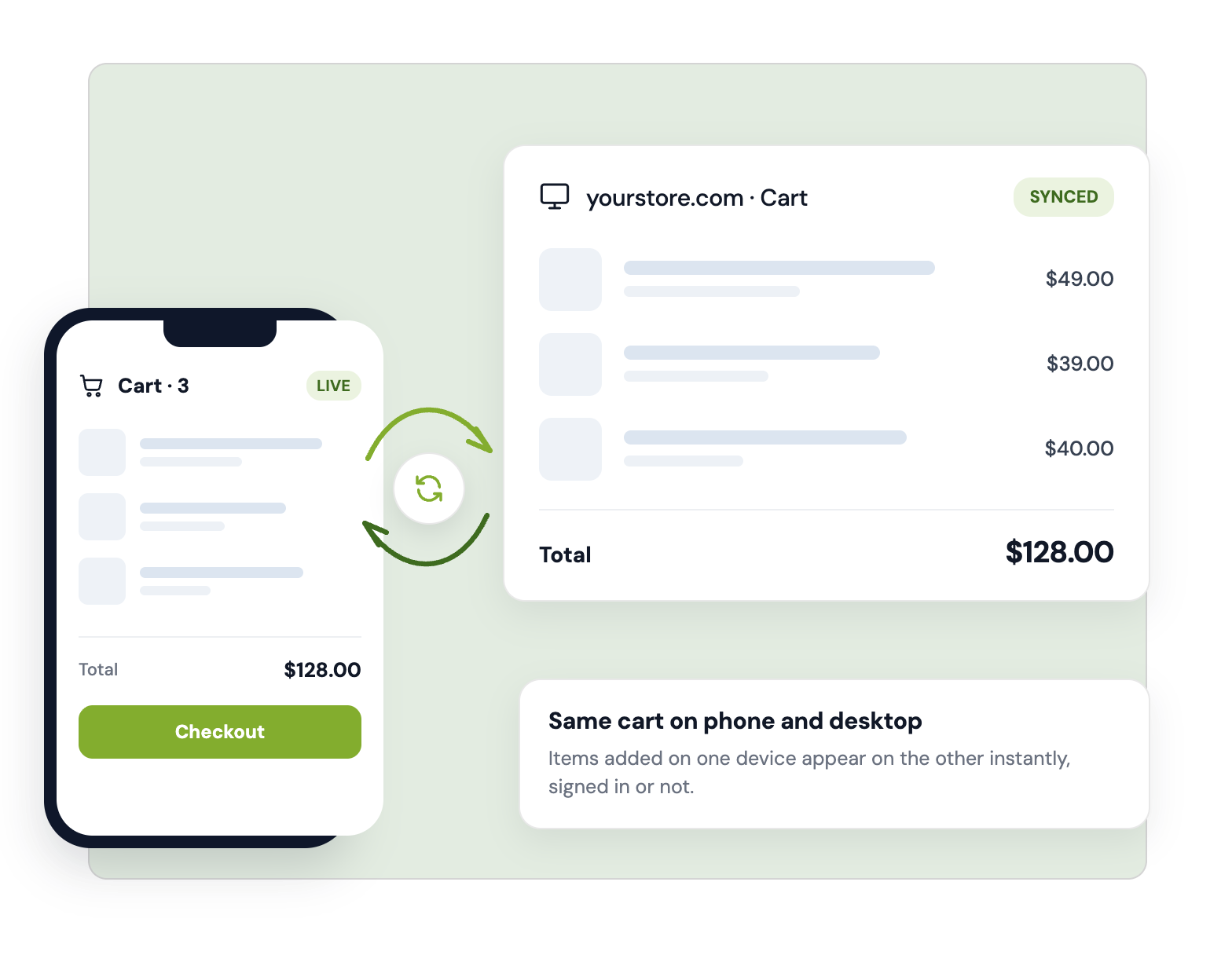
One cart, every device your customer signs in on
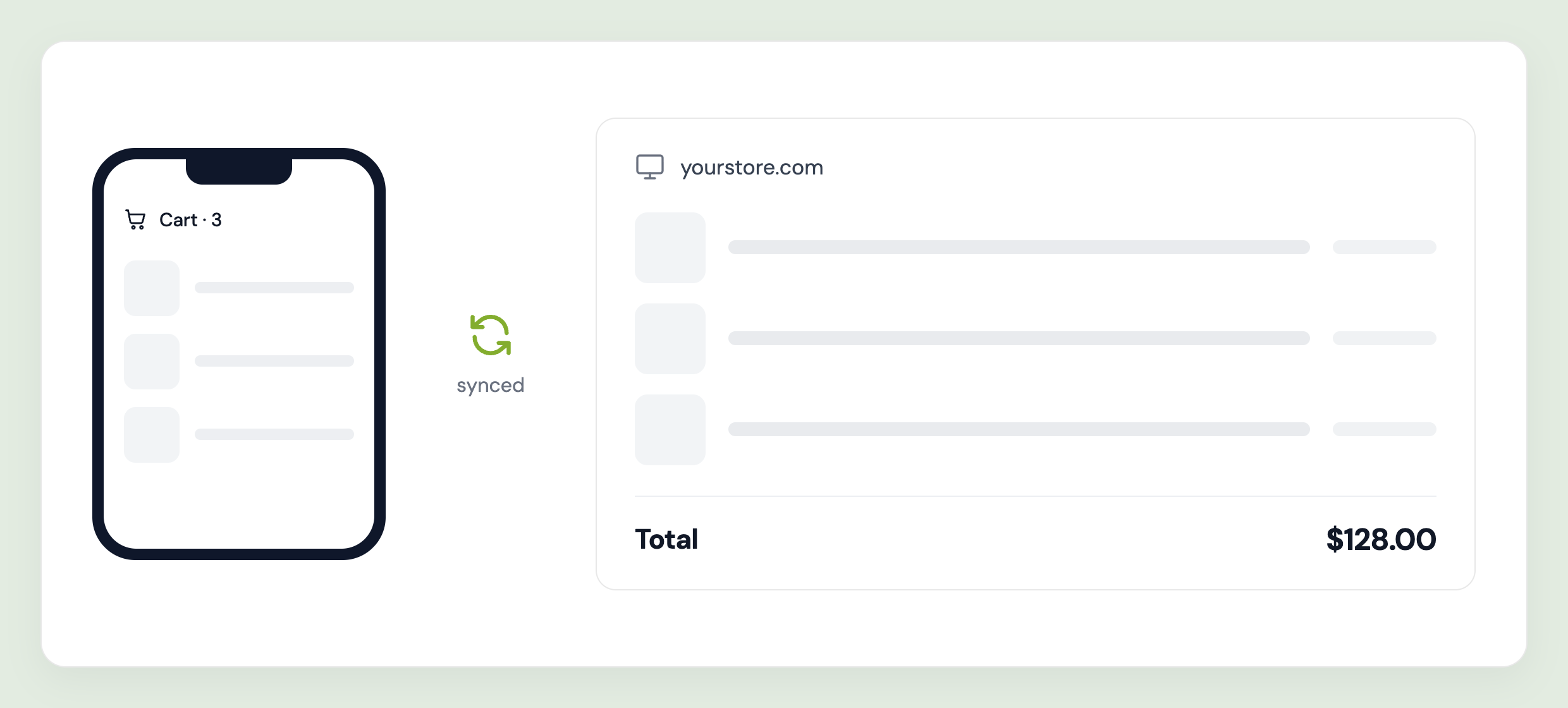
A customer adds three items on their phone at lunch, then opens your store on a laptop that evening. Without Cart Sync they start over. With it, their cart is already waiting. Accofy saves the cart to the customer's account as they shop and restores it automatically on the next sign-in, on any device and any browser session. Nothing for the customer to click, and nothing for them to remember.
Built for merchants, loved by customers
No theme code edits
Turn on the Accofy Cart Sync app embed in your theme editor and you're live. One toggle, no Liquid, no developer, and nothing to maintain when you change themes.
Works with the cart you already have
Cart Sync runs alongside your existing cart page or drawer. Optional auto-refresh updates the cart icon and totals the instant a cart syncs, so the UI never falls out of step.
Translation built in
Every piece of cart sync text can be edited per store language directly in the app, with no extra translation app needed.
Optional Developer API
Headless storefront or a custom checkout flow? Save and restore carts programmatically and stream sync events into your own systems. Optional, since the standard install needs none of it.
Decide exactly how carts behave
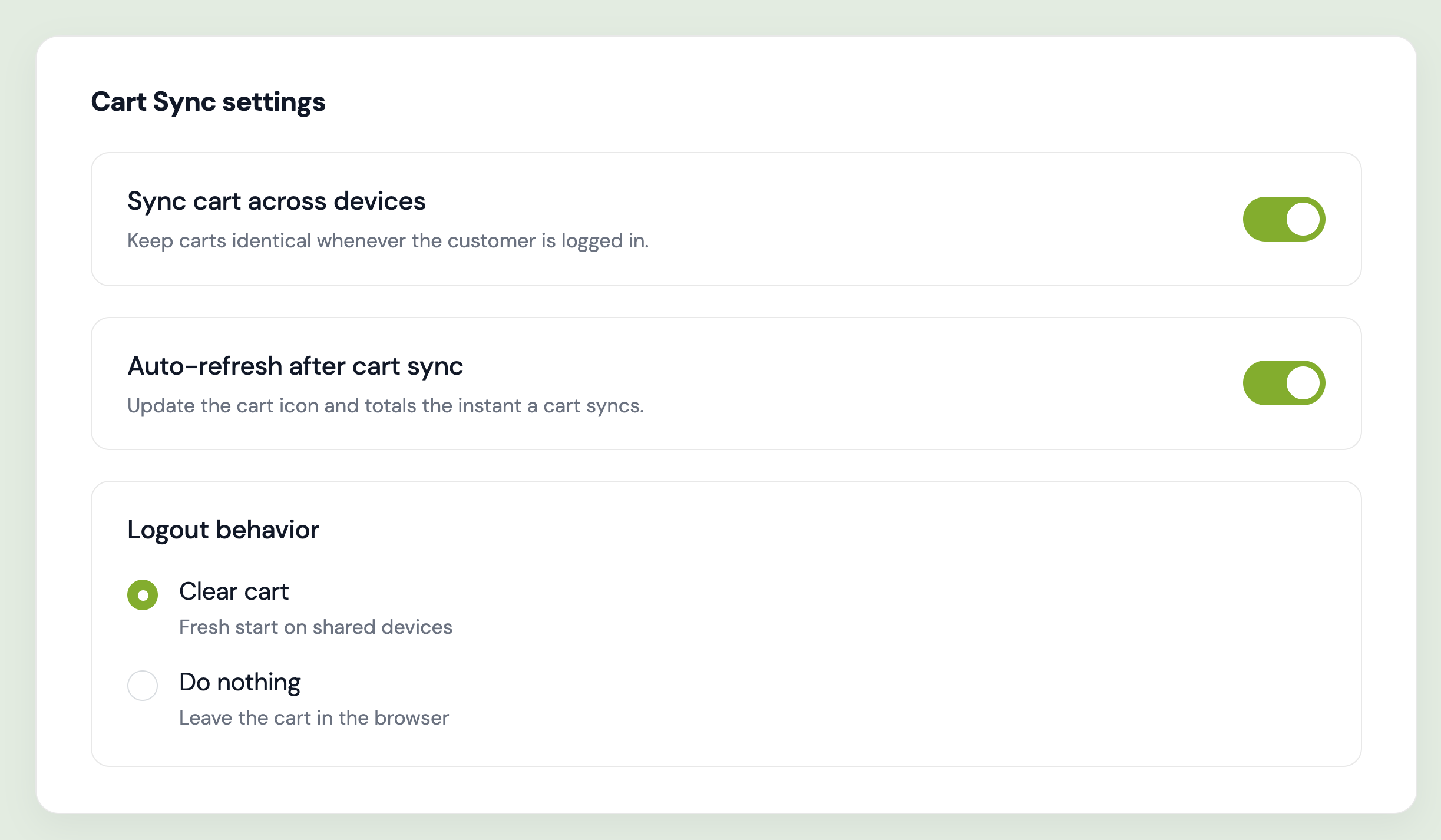
Three settings, one screen. Keep carts identical on every device by syncing to the customer's account whenever they're logged in. Auto-refresh the page after a sync so the cart icon and totals update immediately. And choose what happens on logout: clear the cart for a fresh start on shared devices, or leave it in the browser. Either way the customer's saved cart is preserved and restores on their next login.
See the orders your saved carts brought back
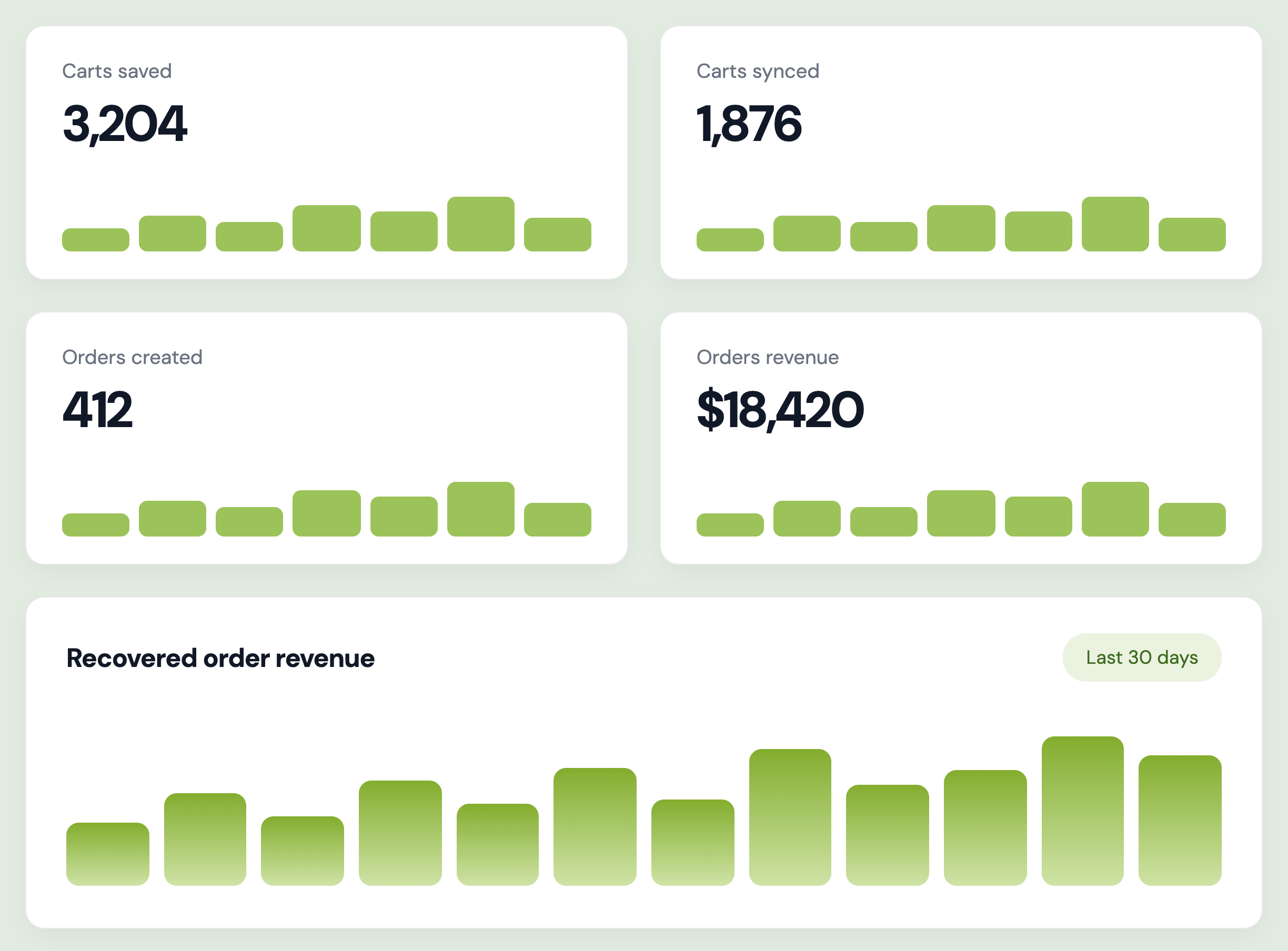
Cart Sync reports on what it's actually worth. Track carts saved, carts synced, orders created, and order revenue over your chosen date range, each with a trend chart. Because a restored cart is a purchase that would otherwise have been rebuilt from scratch, or abandoned, you can tie the module directly to recovered revenue instead of guessing at it.
Common questions
How does the cart sync between devices?
When a logged-in customer changes their cart, Accofy saves it to their account. The next time they sign in, whether on a different device, a different browser, or a new session, the saved cart is restored automatically. There's nothing for the customer to click.
Does it work for customers who aren't logged in?
Cart Sync applies to logged-in customers, since the cart is tied to their account. Guests keep their normal browser cart as usual.
What happens when a customer logs out?
That's your choice. Clear the cart to start fresh, which suits shared or in-store devices, or leave it in the browser. In both cases the customer's saved cart is preserved and restores on their next login.
Do I need to edit theme code?
No. Open your theme editor, turn on the Accofy Cart Sync app embed, and save. No Liquid and no developer.
Is there an API for headless or custom storefronts?
Yes. An optional Developer API lets you save and restore carts programmatically and stream sync events into your own systems. A standard Shopify theme install doesn't need it.