
Promotional bars anywhere inside the new customer account.
Create multiple sales bars, target them by customer tag, schedule them by date and time, and place them anywhere inside Shopify's new customer account.
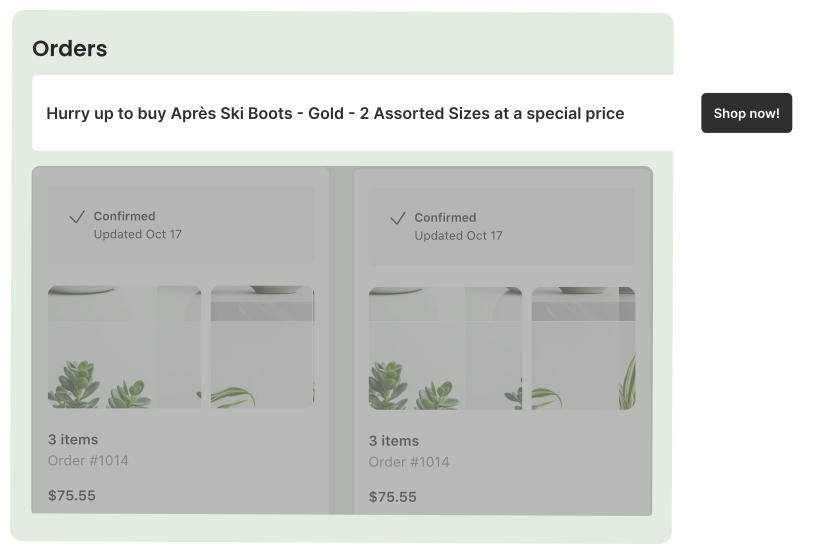
Create multiple sales bars and show them where they matter
Build as many sales bars as you need and place each one in any area of the new customer account, from the dashboard to order history, profile, or wishlist. Show or hide each bar by customer tag so the right message reaches the right shopper, without touching theme code.
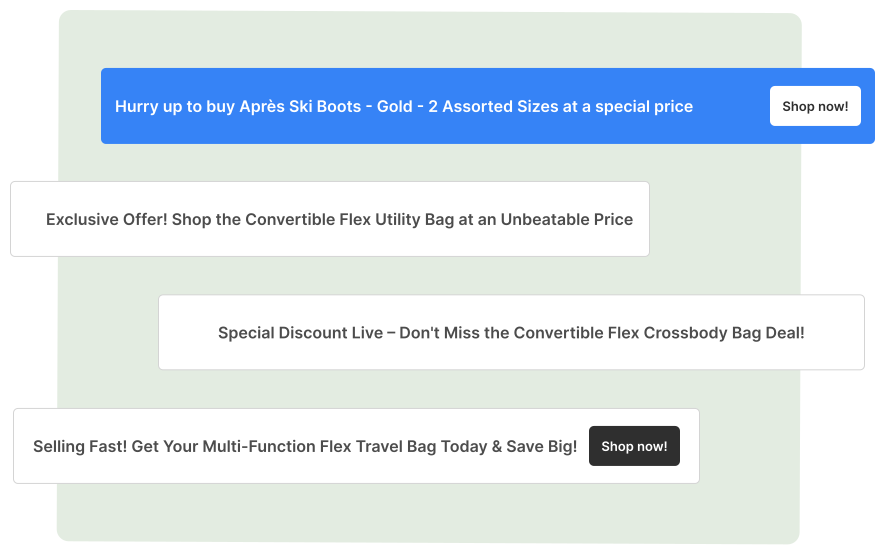
Built for merchants, loved by customers
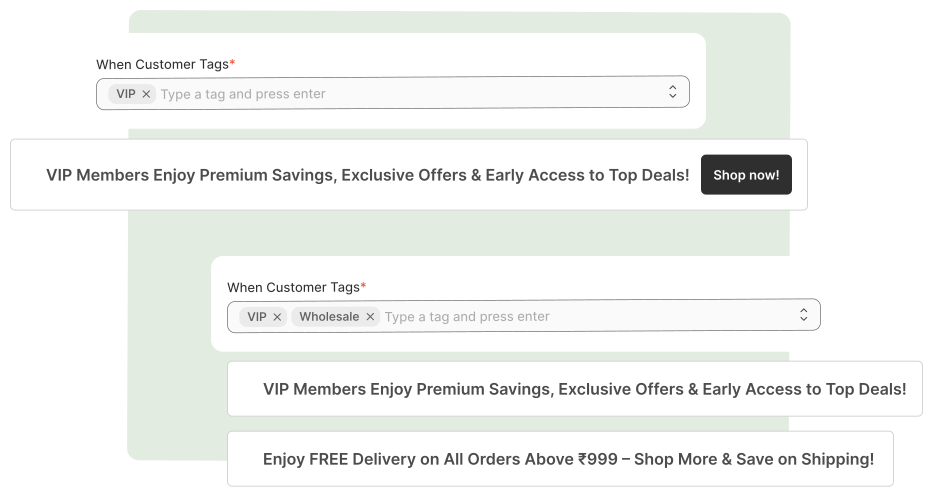
Conditional sales bars
Show or hide each bar by customer tag, so wholesale, VIP, and retail shoppers each see the right message.
Scheduled start and end
Set a start and end date and time for every bar, so promos go live and expire on their own with no manual toggling.
Clickable or informative
Add a link to send customers to a collection, product, or page, or keep the bar purely informational.
Translation support
Translate every sales bar message per language directly in the app.
Show or hide sales bars by customer tag
Use Shopify customer tags to target each sales bar at exactly the right audience. Show wholesale pricing announcements only to wholesale customers, VIP-only promos to VIP clients, and general offers to everyone else, all from simple show/hide rules in the Accofy admin.
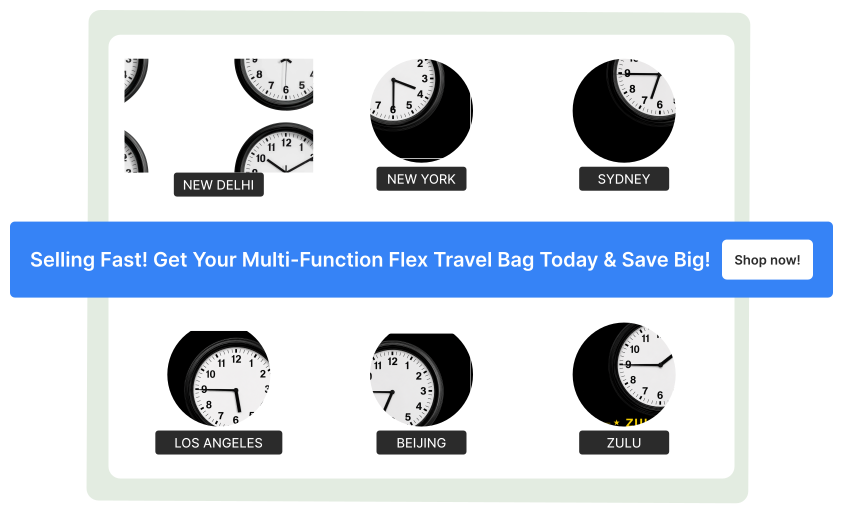
Schedule your bars and style them to match
Set a start and end date and time for every sales bar so seasonal promotions, flash sales, and launch announcements appear and disappear on their own. Customize each bar's colours, type, and layout to fit your brand, make any bar clickable with a link, or keep it informative only.
Common questions
Can I create more than one sales bar?
Yes. Build as many as you need and place each one in any area of the new customer account, including the dashboard, order history, and profile.
How do I show a sales bar only to wholesale or VIP customers?
Use customer tags. Each bar has show/hide rules based on Shopify customer tags, so wholesale or VIP-only offers are only visible to the right shoppers.
Can I schedule a sales bar to start and end automatically?
Yes. Set a start and end date and time so seasonal promos, flash sales, and launches appear and disappear on their own.
Can sales bars be clickable?
Yes. Any bar can link to a collection, product, or page, or stay purely informational if you'd rather not add a click target.
Can I translate sales bar messages?
Yes. Every message can be translated per language directly from the Accofy app.