
A wishlist for Shopify customer accounts that drives repeat purchases.
Let guests and logged-in customers save favourites into multiple categories, manage them from a branded wishlist page inside the new customer account, and move them to cart in one click.
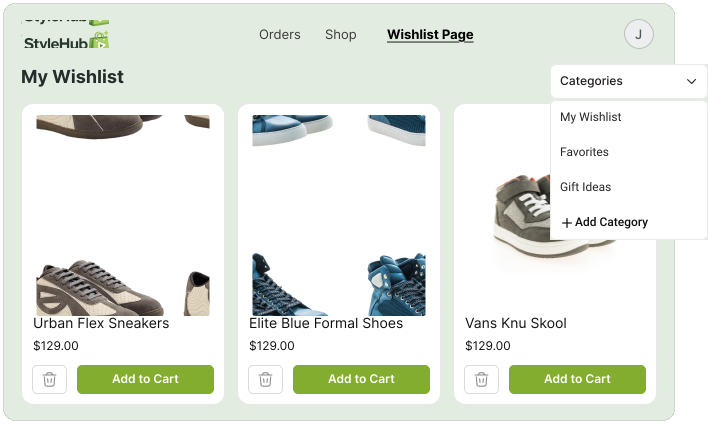
A wishlist for guests and logged-in customers, with categories
Guests and signed-in customers can both save products and sort them into categories like Favourites, Gift Ideas, or Later. Categories help shoppers decide what they really want, and they show you where demand is building.
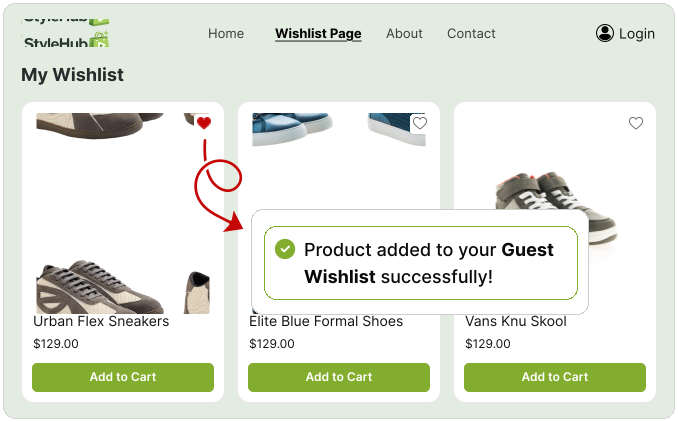
Built for merchants, loved by customers
Guest wishlist
Visitors can save products before signing in, and the wishlist merges into their account on login.
Multiple categories
Customers organise saved products into their own lists, like Favourites, Gift Ideas, or Later.
Wishlist analytics
See your most-wishlisted products and trends so you can plan promotions and restocks with confidence.
Brand-matched design
Style the wishlist to fit your store colours, type, button styles, and layout from the Accofy app.
A dedicated wishlist page inside the new customer account
Customers get a full wishlist page inside Shopify's new customer account, where they can browse saved products, switch between categories, add to cart in one tap, or remove anything they've changed their mind about. No extra app, no theme code, it lives natively inside the account.
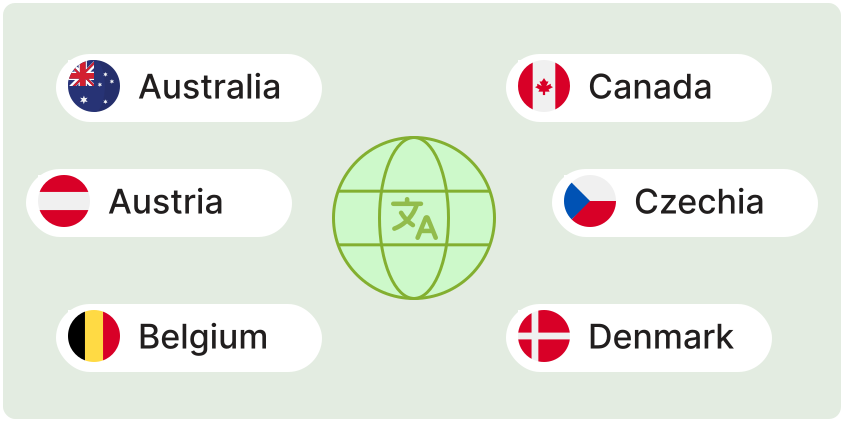
Match the wishlist to your brand and your customer's language
Style the wishlist so it feels like a built-in part of your store, and translate every label and message per language. Global customers see the wishlist in their own language with no extra translation app required.
Common questions
Do guests get a wishlist?
Yes. Guest wishlists merged into the customer's account automatically when they sign in or create an account, so nothing is lost.
Can customers organise their wishlist into categories?
Yes. Customers can create multiple categories, Favourites, Gift Ideas, Later, and more, and move products between them from the wishlist page.
Where do customers manage their wishlist?
On a dedicated wishlist page inside Shopify's new customer account, where they can browse saved items, switch categories, add to cart, or remove products.
Can I match the wishlist to my brand?
Yes. Customize colours, type, button styles, and layout from the Accofy app, with no theme code required.
Can the wishlist be translated?
Yes. Every label, button, and message can be translated per language directly in the app.